Personal settings
Different choices for different people.
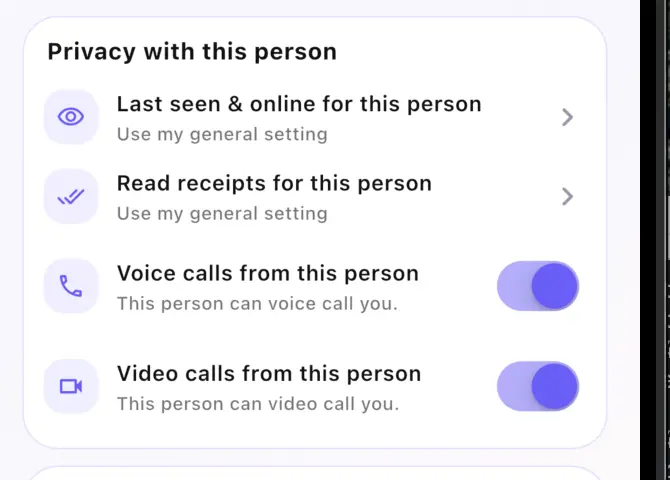
Personal Chat settings can override the general defaults for one specific connection.
About My Nixi · Chat
From the first request to private conversations and shared group moments, My Nixi Chat keeps every connection in your hands.
01 · Conversation Requests
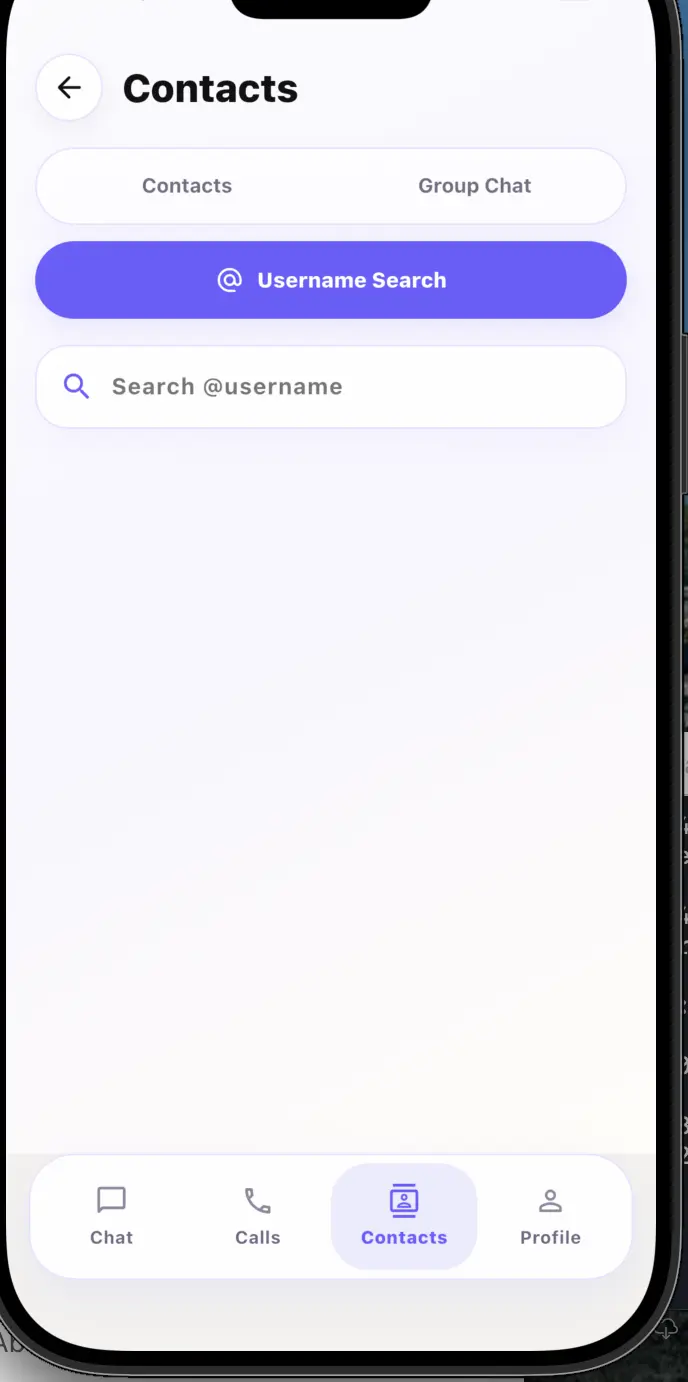
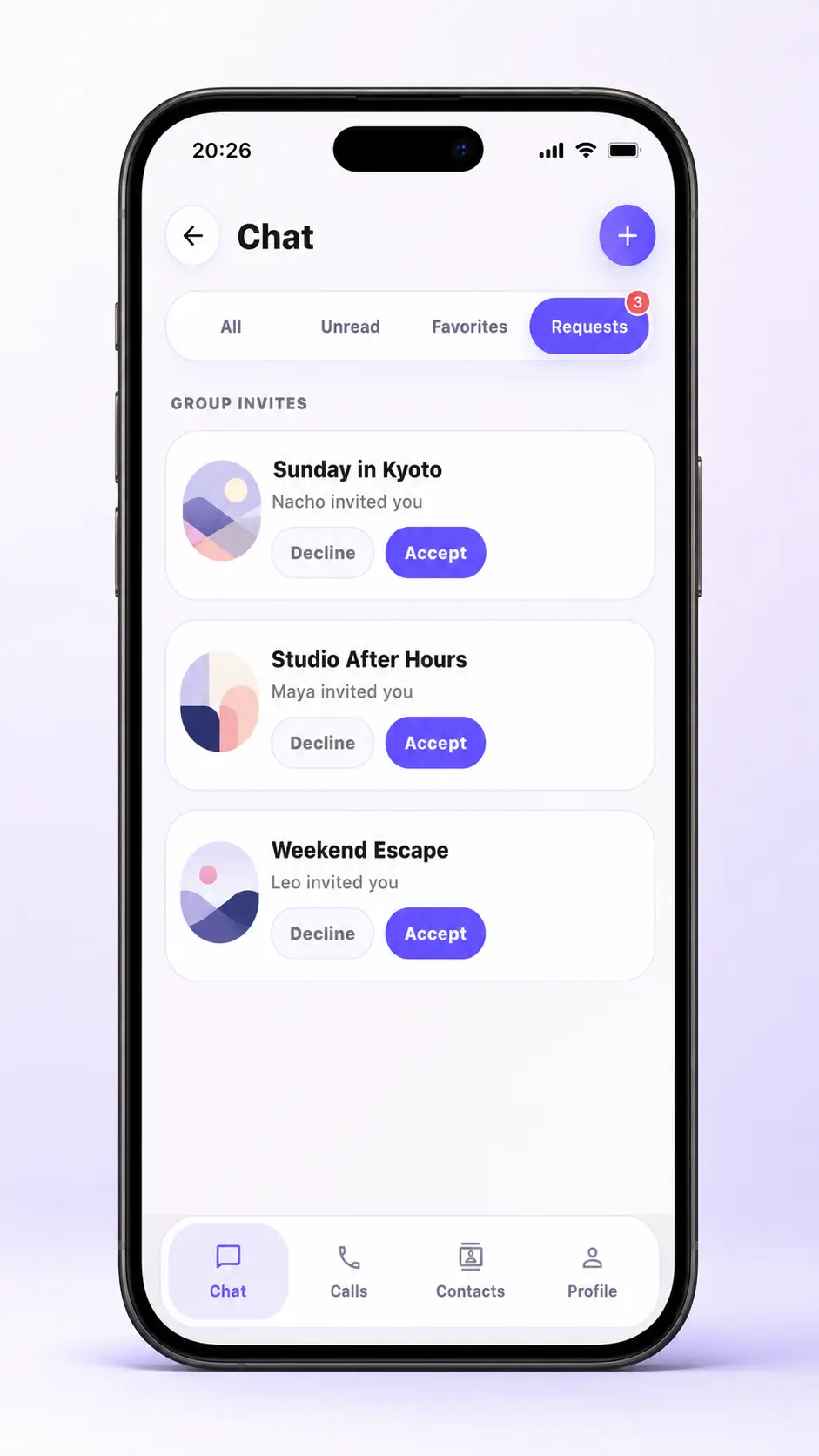
Username conversations and group invitations arrive as requests. Only the chats you accept become part of your Chat list.
02 · Private Chat
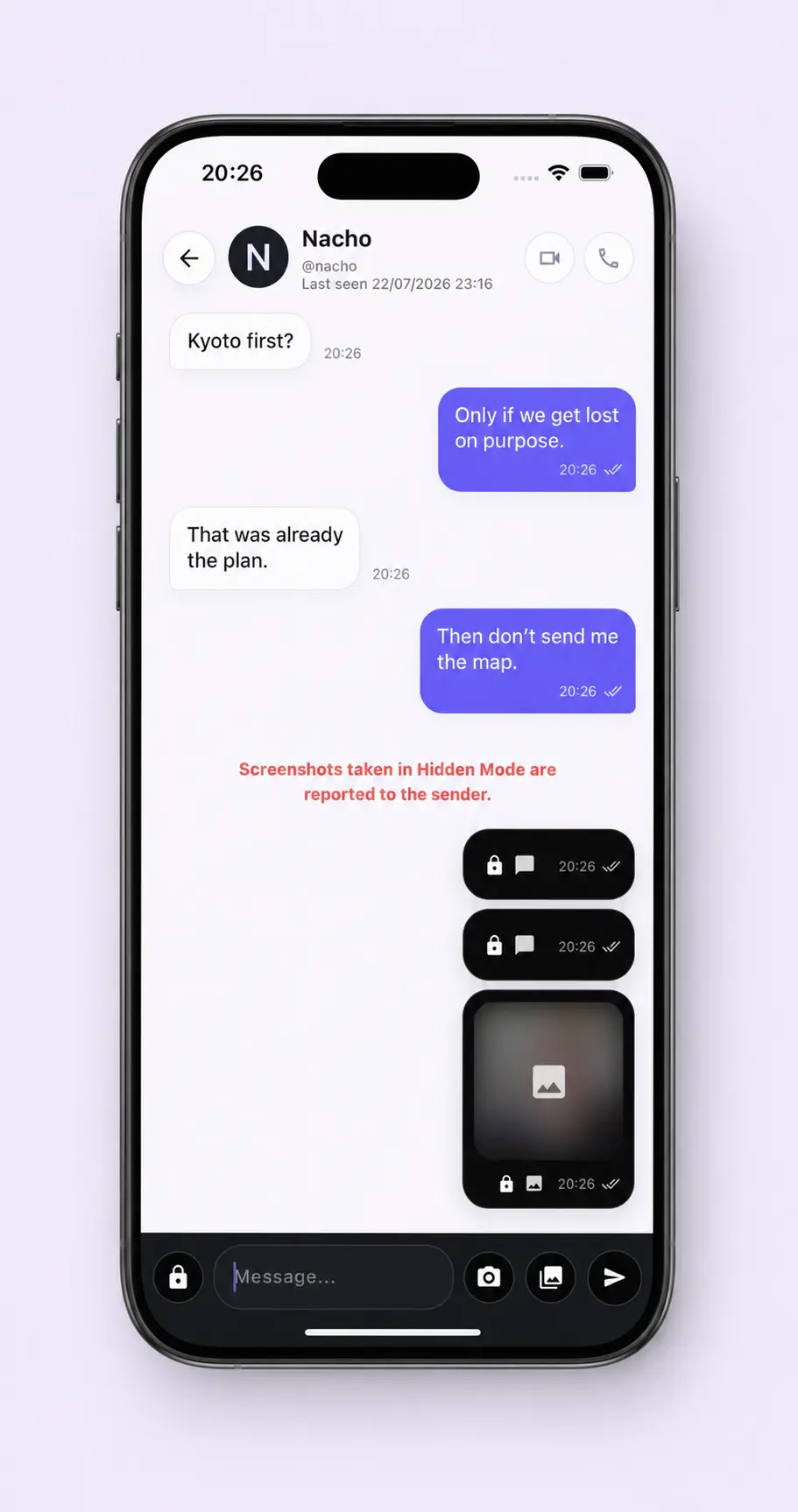
Set personal choices for each connection, call face to face, or make the conversation more expressive with details unique to My Nixi.
A private viewing experience built for messages and media that should not stay open.
Personal settings
Personal Chat settings can override the general defaults for one specific connection.
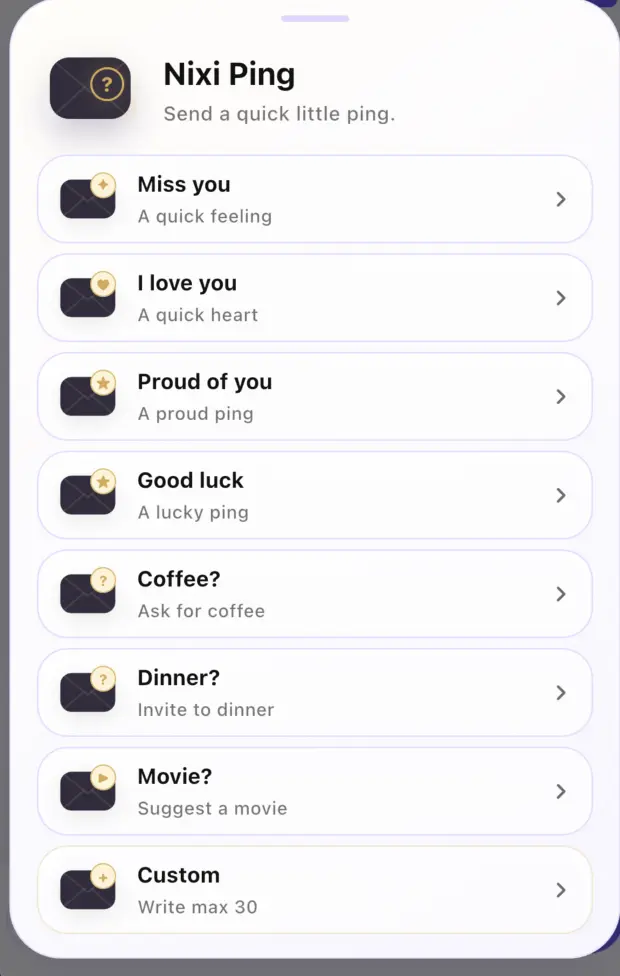
Nixi Ping
A playful way to turn selected expressions into something felt, not merely sent.
Nixi it!
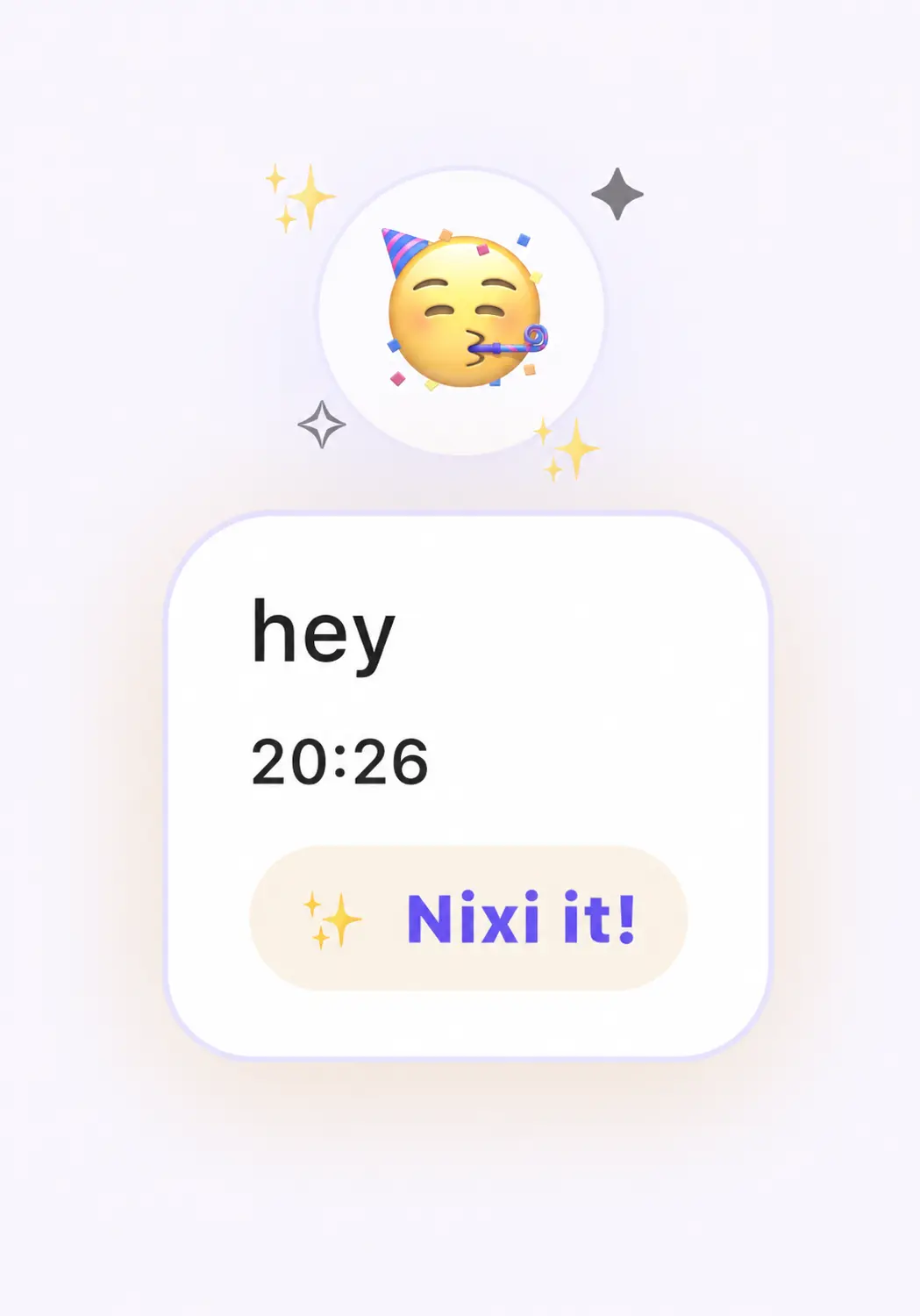
Hold a message, choose Nixi it!, and let a small animation mark the moment.
03 · Group Chat
Keep your visibility choices personal, then bring everyone together through a Moment the whole group can shape.
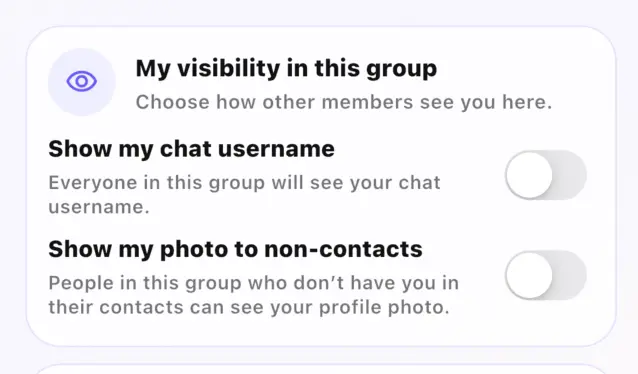
Your visibility
Decide whether people outside your contacts can see your photo or Chat username in each group.
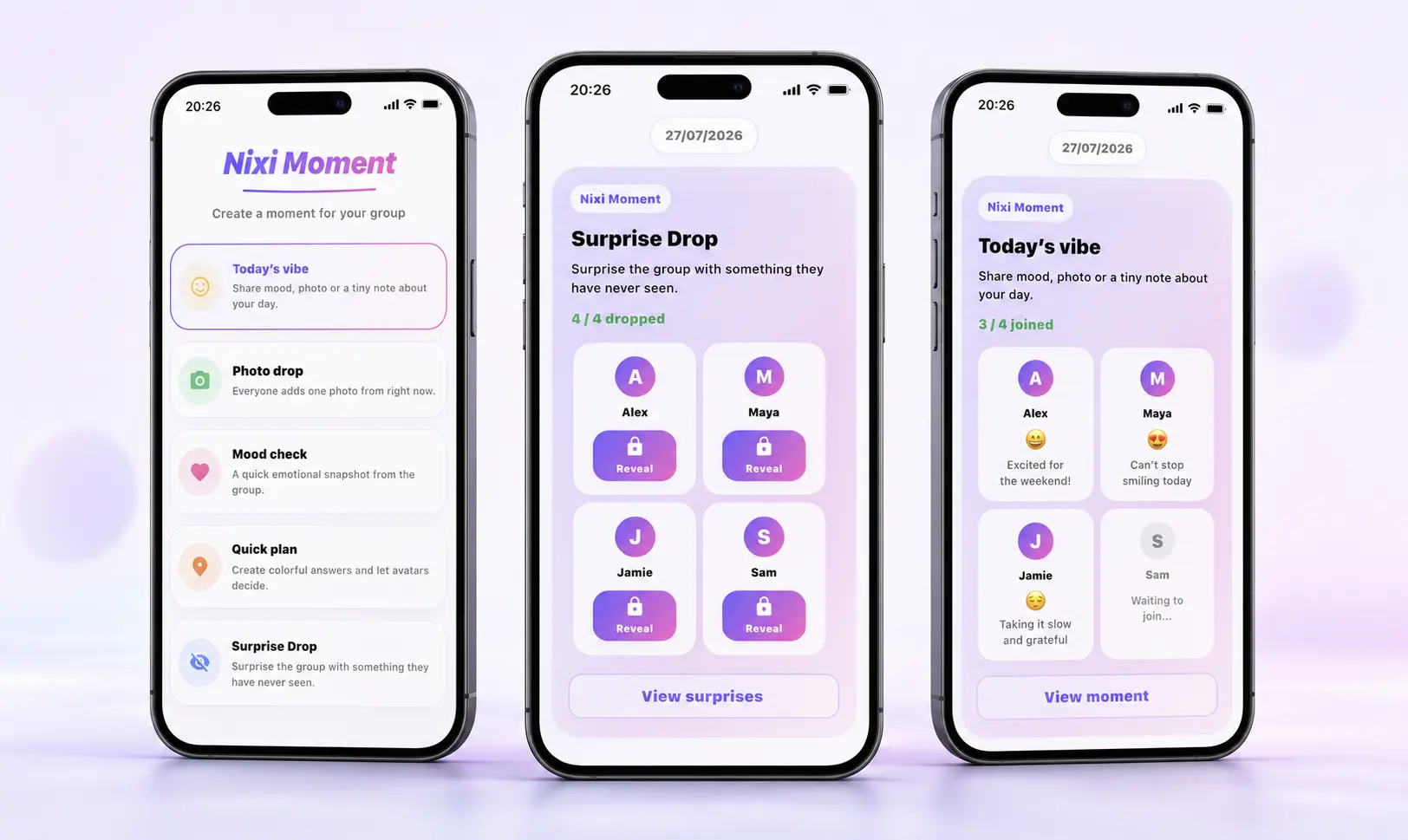
Someone starts a Moment.
Everyone in the group can add to it.
The result lives inside the conversation.
04 · Privacy & Control
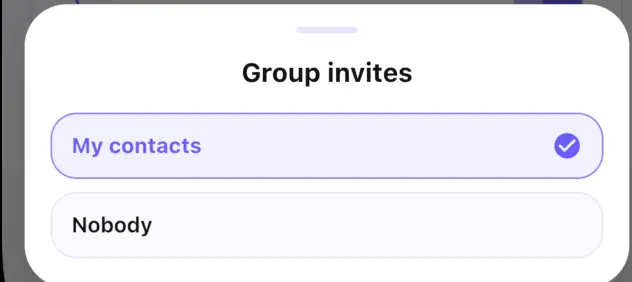
Manage message requests, group invitations and visibility without giving every connection the same access.
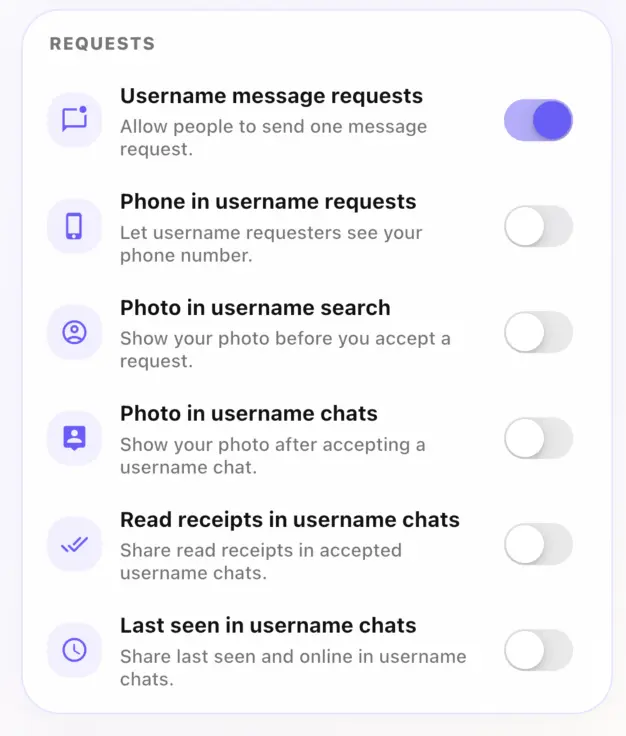
Choose whether username requests can reach you.
Allow, limit or close group conversation invitations.
Control your phone number, photo, last seen and read status.
Use the share button on your Chat profile to share your profile and username whenever you choose.
Next inside My Nixi
Shared places for the people, moments and things that belong together.
Explore My Nixi Spaces