Open inside My Nixi
View every link without leaving My Nixi.

About My Nixi · Links
Keep useful links out of forgotten tabs and scattered messages—organized, ready and easy to share.
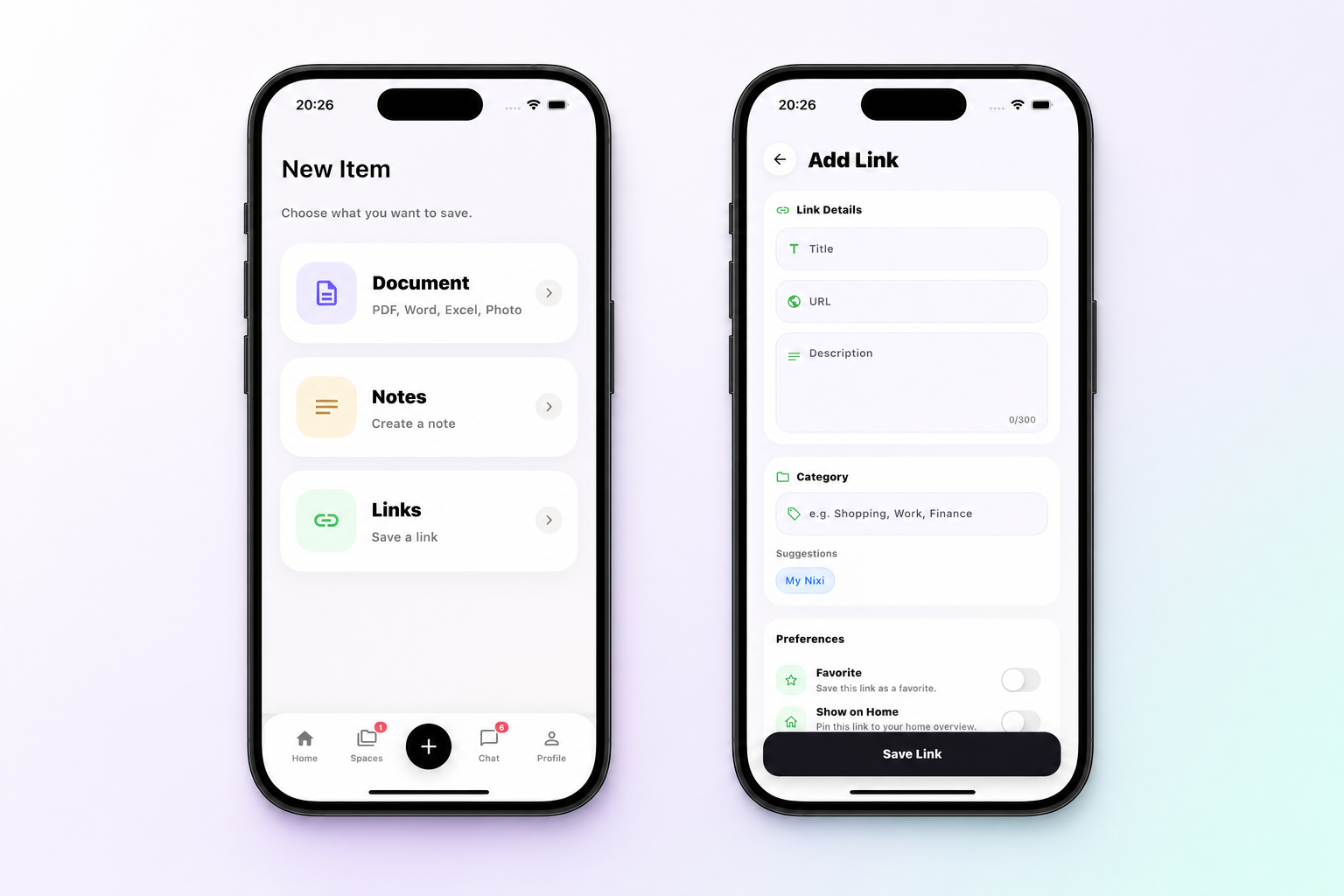
01 · Add it
Save the title, URL and a short description, then place the link in the category that makes sense to you.
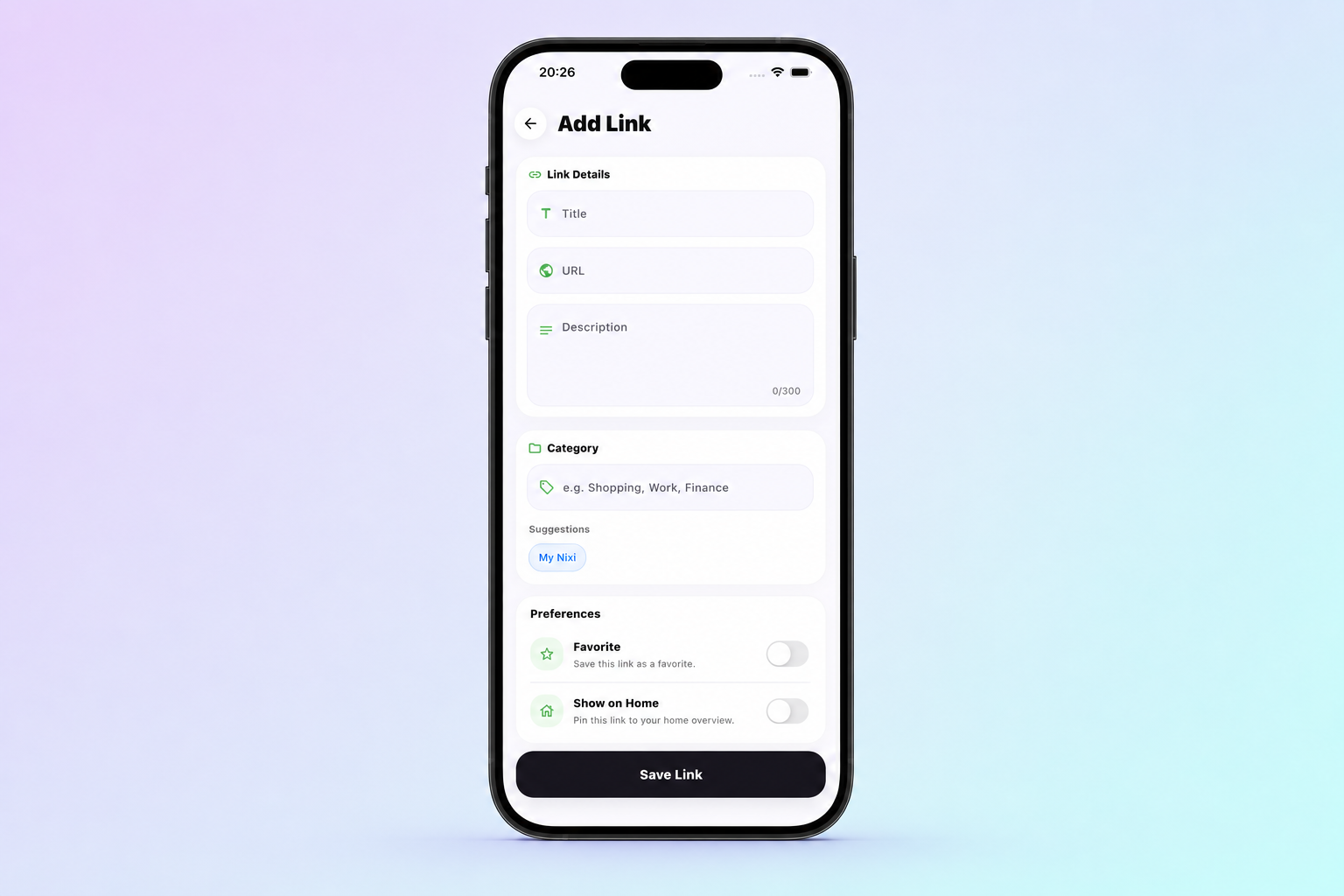
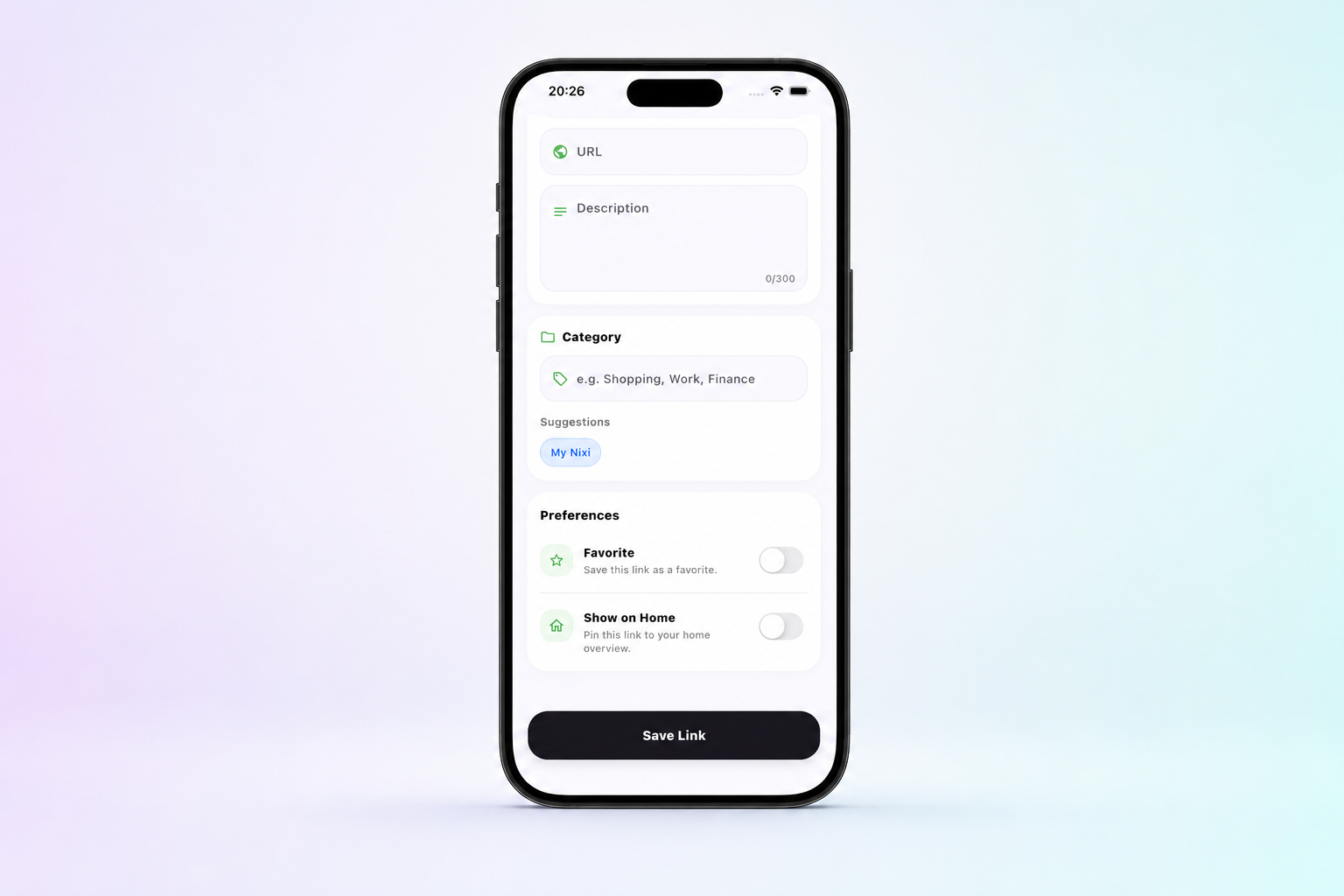
02 · Keep it close
Favorite a link or pin it to Home so the pages you return to never disappear into a browser history.
03 · Use it anywhere
Every link stays useful after you save it—inside My Nixi, across your conversations and beyond the app.
View every link without leaving My Nixi.
Update the details whenever something changes.
Send it to a private or group conversation.
Keep it with the people and content it belongs to.
Use the device share menu whenever you choose.
Remove it from your collection when it is no longer needed.
Next inside My Nixi
Private conversations, shared moments and complete control.
Explore My Nixi Chat